






Screen Printing Machine Backups: Recovery Files, Recipes and Access Rights
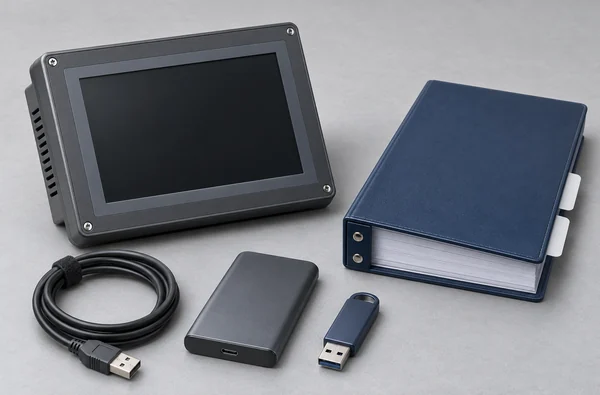
Before ordering a roll-to-roll screen printing machine, ask the manufacturer for a documented software recovery package. A USB drive marked “backup” is not enough. It should identify the files supplied, the equipment and versions they match, any tools or licences needed, who is authorised to restore them, and how recovery will be checked. Confirm separately whether editable engineering files and job recipes are included.
This guide covers the purchasing agreement, not how to change PLC logic or restore a live production line. The examples below are questions to resolve with the supplier and your technical team; they do not describe a standard software package supplied with every Winshol model.
Define the failure you need the package to cover
A buyer may say “we need a backup” while imagining a failed touchscreen. The supplier may interpret that as a copy of one panel’s operating image. Neither statement answers what happens after a controller replacement, an approved software change or the loss of job settings.
Put the scenarios into the purchase review. Ask how the agreed configuration would be recovered if the operator panel failed, a supported replacement component was installed, or a configuration change had to be reversed. Identify any scenario that needs the manufacturer rather than your own maintenance team.
The joint Secure by Demand guidance for operational-technology buyers recommends evaluating configuration backups, documented restoration interfaces and responsibilities for recovery. Those are useful procurement questions, not proof that a particular printing machine meets a security standard or a legal requirement.
Separate the files instead of asking for “all software”
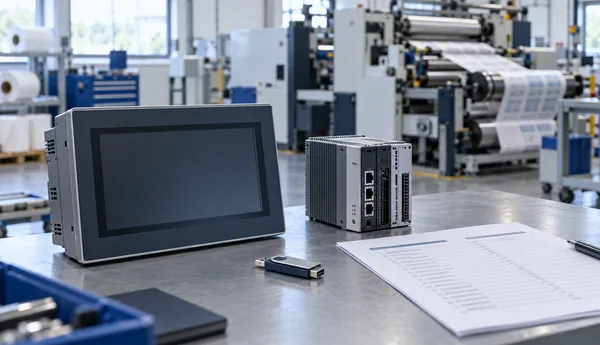
Use a short schedule that both sides can review. The following categories are a proposed purchasing checklist, not a statement that every line uses each one.
| Item to discuss | What the buyer needs to establish | What not to assume |
|---|---|---|
| Recovery image or backup | Covered device, included data, compatible replacement and restoration method | That a file exists for every controller or module |
| Editable engineering project | Whether it is delivered, who owns it and what use is permitted | That a recovery file can be edited |
| Job recipes and settings | Where the accepted settings are stored and how they are retained | That every setting is inside the operator panel |
| Software, firmware and licences | Required versions, permitted access and licence arrangements | That possessing a file provides the tools to use it |
| Logs and commissioning records | Which records are retained separately and who keeps them | That a machine backup contains its operating history |
For example, Siemens’ SIMATIC HMI backup guidance, page 4, explains that the backups it describes cannot be opened and edited with WinCC (TIA Portal); they are intended for restoration to the original panel or a panel of the same type. That is an example from specified Siemens equipment, not evidence that a Winshol machine uses Siemens controls.
Similarly, the Comfort Panels operating instructions, page 167, identify recipe data among the covered items while excluding alarm and process-value logs from the backup file described there. Ask for the equivalent coverage statement for the controls actually quoted.
Make the recovery package traceable to your machine
A folder called “latest” becomes ambiguous when a line has changed during installation. Request an accompanying record that connects each delivered file to the machine serial number, the relevant device, its hardware and firmware version, and the date or revision of the accepted configuration.
For a configured line, list the modules that need review. These may include printing controls, registration, curing and web handling, depending on what is supplied. Ask the manufacturer which items have separate settings or software and which are covered by the main package. Do not infer that one HMI file recovers the complete line.
The record should also name the required recovery software, licence holder and supported replacement equipment. Let the supplier explain any restrictions. A replacement with a similar display or product name is not sufficient evidence of compatibility.
Agree access and ownership before a breakdown
Editable source files may involve proprietary engineering. Rather than treating every refusal as a technical defect, separate the commercial question of source-file delivery from the operational question of restoring an accepted machine.
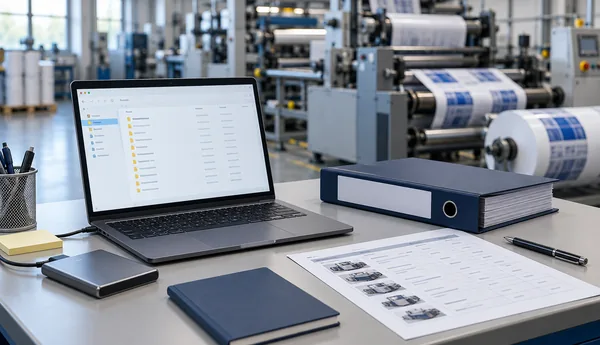
A buyer-managed arrangement and a supplier-managed arrangement can have different costs and responsibilities. In the first, establish what the buyer’s authorised technical team receives and may use. In the second, establish what the supplier retains, what the buyer can recover independently, and how the remaining work will be requested. Record any dependency on a particular tool, account, licence or service agreement.
Ask who will support a replacement device if the original becomes unavailable, and how proposed changes will be reviewed. Do not accept “remote support included” as the entire answer. A contact channel does not define the recovery files, access rights or responsibility for completing the work.
Plan a controlled verification, not an improvised restore
Ask the manufacturer to propose suitable evidence that the recovery arrangement works for the supplied configuration. The method, responsible personnel and safe conditions should be agreed in advance. Depending on the equipment, the evidence may involve a documented demonstration or another supplier-approved check. It should not require the buyer to erase working controls just to see what happens.
The verification record should identify the file revision, target equipment, method, result and unresolved limitations. If only the panel was checked, say so; do not label that result a complete line-recovery test. Agree the checks needed before the machine is released for production after any future recovery.
This is separate from operator training. Training addresses people’s ability to use the machine within their role. A recovery agreement establishes the files, authority and technical support needed when controls or configurations must be reinstated.
Keep the accepted package current after installation
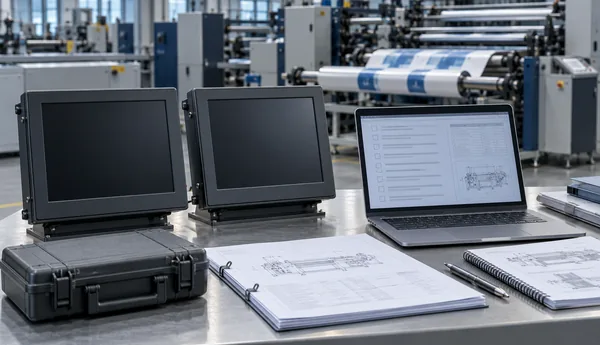
Factory acceptance and installed operation may not use exactly the same configuration. If an authorised change is made during commissioning, ask whether it affects the recovery package. Name who creates the updated version, who receives it, and when that handover is considered complete.
Keep a simple revision record with the reason for the change and the configuration it replaces. Your site team should decide how authorised copies are protected and stored away from the equipment itself. Avoid putting access credentials in an ordinary shared project folder.
Remote assistance also needs a defined route. Ask what connection is required, who approves access and who ends it. Have your IT/OT team and the equipment supplier agree the arrangement rather than assuming a permanent internet connection is necessary.
What to send Winshol for a project review
Winshol’s OEM/ODM page lists control-system options, HMI language, remote-support readiness and project-specific ownership and change control among the items to discuss. These descriptions do not establish a particular model’s backup format or a standard entitlement to editable files.
Alongside the machine and application brief, send your installation country, the roles of your maintenance and IT/OT teams, any restrictions on remote connections, and the recovery responsibilities you expect to retain. Ask for the proposed software handover scope and exclusions in writing. Review it alongside the spare-parts plan: replacement hardware and the means to configure it are related, but neither automatically includes the other.
Before signing off the scope, both parties should be able to identify who holds the required files and who is responsible for recovery when a specified component fails.
Câu hỏi thường gặp
1. Is a USB drive labelled as a machine backup enough?
No. Ask what the files cover, which machine and software versions they match, who may restore them, and which tools or licences are needed. The handover should identify missing items and the agreed recovery route, not just the storage device.
2. Is a recovery backup the same as editable source code?
Not necessarily. A recovery image may restore a supported device without allowing changes to its engineering project. Ask for separate entries for recovery files and editable project files. Their delivery, ownership and permitted use should be agreed with the supplier.
3. Are job recipes always included in the HMI backup?
Do not assume so. Ask where each set of job settings is stored and whether it is covered by the proposed backup. Settings held in another controller, drive, registration system or separate job record may need a different recovery method.
4. Can the backup be restored to any replacement panel?
Do not assume compatibility from screen size or appearance. Request the supported replacement device, hardware and firmware conditions, required software and any migration work. A substitute part may need a different recovery plan approved by the equipment supplier.
5. Who should carry out a restore?
The supplier and buyer should name appropriately qualified, authorised personnel and define their responsibilities. Restoring controls is not an ordinary operator task. It must follow the equipment documentation and the site safety and change-control procedures.
6. Should the backup be updated after installation?
If installation or commissioning changes the accepted configuration, ask for an updated recovery package or a documented explanation of what changed and how it will be recovered. Keep the earlier version identified rather than silently replacing every copy.
7. What if the manufacturer does not supply editable project files?
Clarify that limit before ordering. Ask what recovery files the buyer will receive, which work remains with the supplier, and how support, replacement hardware and future changes will be handled. A supplier-managed arrangement needs clear responsibilities; it is not the same as buyer-managed recovery.
8. Can production restart immediately after restoring a backup?
A successful file transfer alone does not establish that the whole line is ready. The responsible technical team should complete the agreed checks for the actual configuration and release the machine under the site procedures before routine production resumes.