






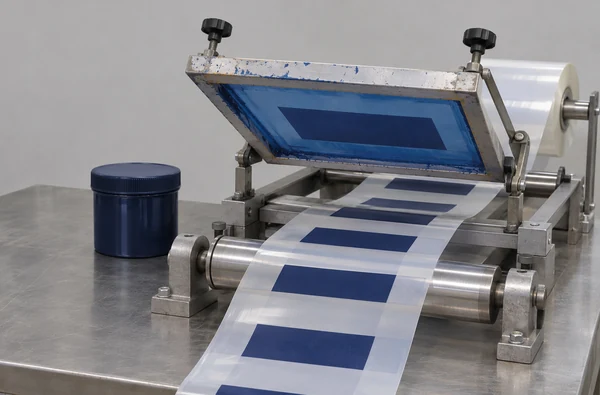
How Much Ink Will Your Screen Printing Job Use?
Estimate screen printing ink consumption for each color separately. Start with the area that actually receives that color and the number of prints, then use a supplier-supported deposit estimate. After a representative run, replace the estimate with recorded ink use. Keep the amount needed to run the press separate from the amount consumed by the order.
For industrial labels and films, the useful purchasing figure is ink cost per accepted finished item. A printed sample alone will not give you that cost. Setup prints, rejects, ink left in the equipment and the condition of returned ink can change what you need to buy.
Count the printed image, not the whole roll
Make a separate artwork record for the white layer, each color and any screen-printed varnish. For a solid rectangle, multiply its printed width by its printed length. For an irregular image, ask prepress to establish its area from the production artwork. Do not use the bounding rectangle as though every part of it receives ink.
Keep the counting unit explicit. An area per label must be multiplied by the number of labels printed. An area per complete repeat already includes its lanes, so multiply that by the number of repeats instead. Counting the lanes in both places inflates the estimate.
Separate the production quantity from setup material. If the order is for 50,000 accepted labels, a record of 50,000 impressions does not establish that the order is complete. Use the agreed inspection stage to count accepted output. Winshol’s output guide explains that distinction for roll-fed production.
Choose a starting deposit value with its limits attached
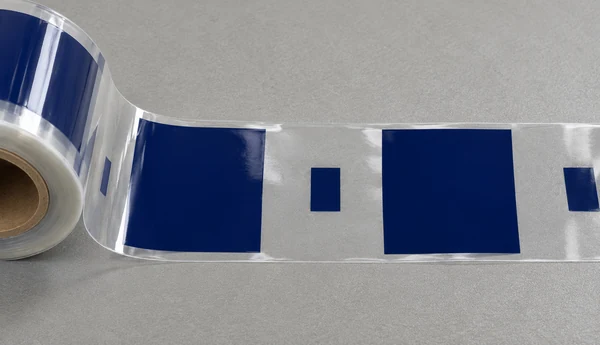
The Coates Screen Inks calculation guide uses printed area and a mesh’s theoretical ink volume as starting inputs. It also identifies stencil, substrate, ink and equipment as influences. Its estimates concern ready-to-print ink; they are not an exact consumption guarantee.
Haver & Boecker’s screen-printing mesh brochure explains theoretical volume through mesh geometry. That is useful when comparing screens, but it is not a measurement of ink issued from the stockroom or the cured layer on a label.
Record the supplier, mesh product and unit beside any theoretical value. Keep the stencil record with it. Use the mesh selection guide for the screen specification rather than choosing a different mesh solely to make the ink budget smaller.
An ink data sheet can provide another starting point. For example, Nazdar’s 8400 industrial screen-ink sheet gives a coverage range that depends on deposit and calls for pretesting. It is guidance for that ink series, not a universal yield for UV label inks, other colors or every Winshol configuration. Ask your supplier which estimate applies to the exact ink and prepared state used in your job.
A worked estimate for one label color
The following numbers are invented to show the arithmetic. They are not Winshol performance data, recommended settings or a quoted ink allowance.
Assume one color covers a solid 40 × 25 mm rectangle on each label. There are 50,000 labels in the planned production count, plus 1,000 separately counted setup labels. For this example only, use a provisional deposit factor of 20 cm³/m².
| Calculation | Result |
|---|---|
| Printed area per label: 0.040 m × 0.025 m | 0.001 m² |
| Total printed count: 50,000 + 1,000 | 51,000 labels |
| Total printed area: 51,000 × 0.001 m² | 51 m² |
| Estimated deposited volume: 51 m² × 20 cm³/m² | 1,020 cm³ |
| Convert at 1,000 cm³ per liter | 1.02 L |
This is a provisional deposited-volume estimate for one layer. It does not say that buying 1.02 L will complete the order. It excludes additional prints needed after rejection and any ink required in the equipment but not transferred to those labels.
Calculate another color from its own area and deposit assumption. Do not multiply 1.02 L by the total color count unless each layer genuinely has the same inputs. A small logo and an opaque background are different entries.
If the purchase unit is kilograms, convert using the density for the exact ready-to-print mixture: kilograms = liters × kilograms per liter. Never silently treat one liter as one kilogram. Record additions separately if the purchased ink and prepared mixture have different compositions.
Reconcile ink issued, returned and charged to the job
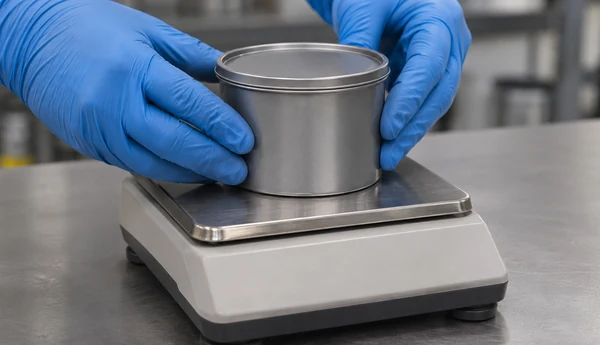
Use a simple job ledger alongside the artwork estimate. The worksheet below is a proposed purchasing record, not a machine specification or mandatory test standard.
| Record | What the job file should show |
|---|---|
| Ink identity | Supplier, series, shade, batch and preparation record |
| Issued quantity | Initial issue and every later addition, on one stated mass or volume basis |
| Returned quantity | Measured remainder, container tare and its release or quarantine status |
| Printed count | Setup prints and production prints, without double counting |
| Accepted count | Quantity that passed the named final inspection stage |
| Job changes | Added passes, rework, pauses or material changes that affect comparison |
| Cost basis | Actual purchase cost and the rule used to value usable returned ink |
For a second, separate illustration, suppose a job receives 3.00 kg of one prepared ink and returns 0.80 kg that is approved for reuse. The net issue charged to that job is 2.20 kg. If it delivers 40,000 accepted labels, the recorded usage is 55 g per 1,000 accepted labels:
2.20 kg × 1,000 g/kg ÷ 40,000 labels × 1,000 labels = 55 g.
If this prepared ink is valued at a hypothetical USD 20/kg and approved returns receive the same unit value, 55 g costs USD 1.10 per 1,000 accepted labels (0.055 kg × USD 20/kg). This is ink cost only; it excludes film, labor, screens and other production costs.
That ledger result includes ink not returned to usable inventory. It is not a measurement of the ink film on the accepted labels. Do not add a separate blanket waste percentage to the same recorded usage without explaining what additional loss it represents.
Returned ink should not automatically receive a full inventory credit. Have the responsible process team decide whether its identity, condition and permitted reuse are established. Nazdar’s 8400 guidance, for example, restricts intermixing with other ink series. Follow the actual ink supplier’s storage, mixing and reuse instructions instead of treating every remainder as interchangeable stock.
Use the trial to improve the next quotation
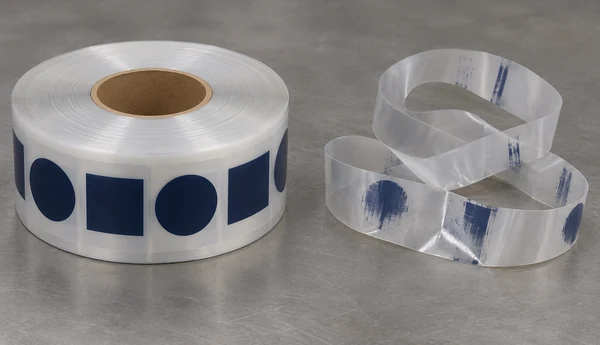
Nazdar’s screen inks catalog describes a measured-coverage method that compares prepared ink weight before printing with the weight after ink is returned, against a known printed area. Its worked example belongs to a particular ink, stock and setup. Ask the trial team to agree an equivalent measurement boundary for your roll-fed job.
Choose a representative job, record the complete issue-and-return ledger, and retain the acceptance results. Ask whether a later run differs because of artwork, batch size, preparation, screen construction or the finished-product requirement before assigning the change to the press.
A short run may need a similar initial operating quantity to a longer run but recover a larger share at the end. Report both the quantity that must be available and the net job charge. Procurement needs the first to avoid running short; costing needs the second to compare orders fairly.
Keep fixed-per-job allowances separate from quantities that scale with prints. Revisit the estimate when the artwork, ink, screen, number of passes or acceptance criteria change. A previous white-ink result is not evidence for a new texture varnish.
What to send Winshol before a material trial
Send production-size artwork separated by layer, substrate details, exact ink data sheets, the proposed screen record and the required accepted quantity. Identify the finished-product checks and ask whether ink accounting can be included in the agreed trial record. Do not assume that a general demonstration already includes that measurement.
The WL-350D UV product page describes a single-color roll-fed configuration and requests review of the ink, substrate and artwork. It does not publish a universal ink-consumption rating. Use the machine RFQ checklist to define the wider equipment scope, then contact Winshol with the job file. Ask for an estimate tied to the artwork and a record you can check after the trial.
Frequently asked questions
1. Can I calculate ink consumption from label size alone?
No. Use the area actually printed by each color, not automatically the full label rectangle. Count the prints for that layer and attach a justified deposit estimate. Keep setup prints and production rejects visible in the calculation.
2. Is theoretical ink volume the same as actual ink use?
No. A mesh value is a starting comparison, not a stockroom measurement. Check actual job use through issued and approved returned quantities, and measure the printed layer separately if thickness is an acceptance requirement.
3. Should I buy ink in liters or kilograms?
Use the supplier’s purchase unit. If your estimate uses another unit, convert with the density of the exact ink or prepared mixture and keep the basis explicit. One liter must not be assumed to weigh one kilogram.
4. How should I calculate a multicolor order?
Create one entry for each layer with its own printed area, quantity and deposit basis. Add the resulting quantities only after checking their units. Do not assume that white, color and varnish layers consume identical amounts.
5. Does all ink loaded onto the screen count as consumed?
Not necessarily. Some may return to usable inventory. Record that separately from the quantity issued, and have its condition and permitted reuse approved. Ink that cannot be reused should not receive the same inventory credit.
6. What waste percentage should I add?
There is no universal percentage proposed here. Use a stated allowance until representative records are available, then revise it from those records. Avoid adding losses a second time when they are already included in measured job usage.
7. Can I reduce ink use by changing the screen?
A change needs a new print evaluation. Do not accept a lower usage figure if the required appearance or finished-product tests fail. Keep the approved screen and process conditions with the consumption record.
8. What is the most useful figure for comparing repeat jobs?
Compare net ink charged to the job per accepted item at the same inspection stage, with the ink and job conditions identified. Also retain the total quantity required at the press so purchasing can plan supply, not only cost.