

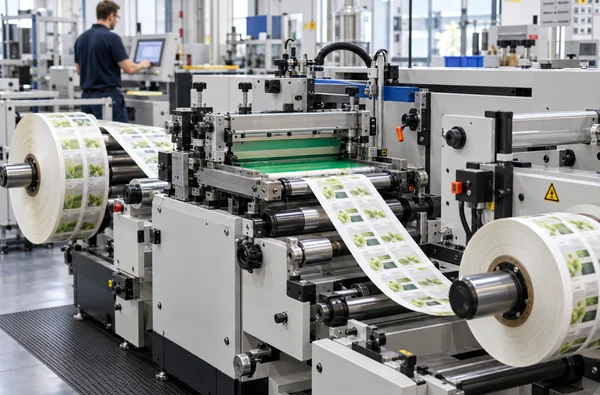
How to Choose a Roll-to-Roll Screen Printing Machine for Labels
In brief: Choose a roll-to-roll screen printing machine for labels by matching the real web, artwork and finishing route to a specific machine configuration. Start with four measurements: usable web width, printed image size, repeat length and number of screen colors. Then check the ink and curing method. A model’s maximum web width is not its maximum print width, and a catalogue speed is not a finished-label output guarantee.
Start with the label you actually run
“We print labels on film” is too broad for equipment selection. A self-adhesive construction includes the face material, adhesive and liner; other jobs may arrive as an unsupported film or coated web. Those constructions can behave differently during unwinding, printing, curing and rewinding. Record the production material, its nominal thickness, surface treatment, coating, liner and roll dimensions. If the job already has flexographic or digital print, send a sample with the existing image and registration marks.
Also describe the result after the screen station. Is the screen layer a dense white, a tactile varnish, a color, or part of a metallic effect? Where will the web go next? A label that must return to a die-cutting or inspection line needs a compatible winding direction and roll specification. This is often discovered after a machine is shortlisted; it belongs in the first conversation.
Separate four dimensions that are often confused
| Dimension | What to measure | Why it changes the shortlist |
|---|---|---|
| Web width | Actual roll width, including any edge area needed for handling or marks. | Compare it with the listed maximum web width, leaving room to confirm the usable path for the job. |
| Print area | Width and length of the screen image, including bleed or registration features. | Compare both dimensions with the listed maximum print area. The web can fit while the image does not. |
| Repeat or feed length | Distance from one printed image to the next along the web. | Check the machine’s listed maximum feed length and the proposed artwork layout. |
| Finished roll | Core, outside diameter, winding direction and downstream converter requirements. | These affect unwinding, rewinding and line integration, even when the print unit itself fits. |
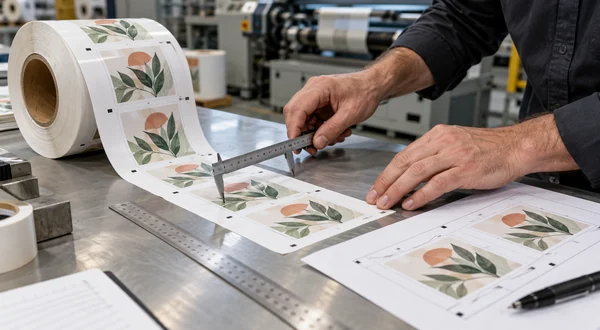
Take a 340 mm web with a 320 mm image as an illustration. The numbers suggest that a 350 mm class machine deserves review, but they do not confirm edge clearance, web guiding or a particular liner. Send the drawing with the image position and a sample roll before treating the fit as approved.
Choose the process before the model name
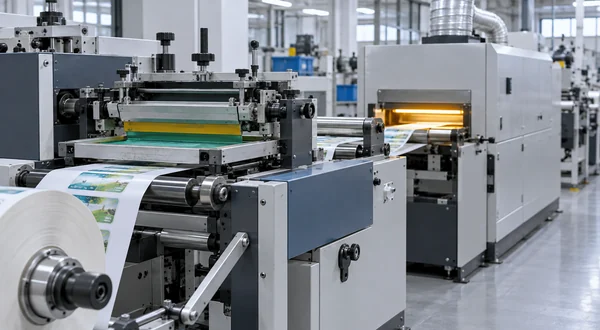
A single screen color with UV-curable ink points to a different configuration from a two-color job with an intermediate cure. If the next operation is cold foil, decide whether printing and foil should be quoted as one line or whether a finishing unit must connect to equipment you already own. For oven drying, compare the ink and drying requirements before choosing a model variant.
Registration deserves its own brief. State what the new image must align to: an earlier printed layer, a die-cut feature or a mark on the liner. Include mark dimensions and contrast, the material’s direction of travel and the method you will use to judge the finished label. A machine family name does not establish an allowable registration error for your substrate.
What the current Winshol listings actually say
The following are published configuration limits for specific models, not promises of compatibility or production output. Check the linked product pages when building a shortlist.
| Model | Listed stations and drying | Maximum web width | Maximum print area |
|---|---|---|---|
| WL-350D UV | One screen color, two-lamp UV dryer | 350 mm | 330 × 450 mm |
| WL-350S | Two screen colors, two UV drying units | 350 mm | 330 × 450 mm |
| WL-350DW | Screen printing, automatic registration, vertical cold foil and two-lamp UV curing | 350 mm | 330 × 450 mm |
| WL-350-3C | Three screen colors, three UV drying units | 450 mm as listed | 330 × 450 mm |
| WL-5045S UV | Two screen colors, UV version | 500 mm | 500 × 450 mm |
The WL-350D UV, WL-350S and WL-350DW share the same listed maximum web width and print area. Choose what to test by the job: one screen color, two screen colors, or registered screen printing with an inline vertical cold-foil stage. For foil work, send the adhesive and foil details as well as the artwork; the shared dimensions do not establish transfer or curing compatibility. The screen printing and cold-foil guide explains the line choice.
For a closer comparison of the three 350 mm workflows, read WL-350D vs WL-350S vs WL-350DW. It covers the listed station and curing differences, installation scope and the sample questions to resolve before ordering.
Notice the WL-350-3C entry: its published web width is 450 mm even though the model name contains “350”. Use the specification table, not the name, to check a dimension. The roll-to-roll machine family has other configurations if these examples do not cover the job.
Ask for a sample trial when the risk is in the material
A trial is useful when the web is heat-sensitive, has an unfamiliar coating, carries earlier print or needs a heavy screen deposit. Agree on the test material and consumables first. Then record the artwork, ink, screen layer, machine configuration and drying conditions used. Evaluate the result after the downstream operation that matters to your business: rewinding, die cutting, overprinting or handling. A sample that looks acceptable at the exit of the print station may still be unsuitable after conversion.
For capacity planning, request an output estimate tied to a specific repeat length, number of colors, ink, cure and inspection method. Some catalogue speed entries use rpm without defining finished-label output; converting that number into labels per hour would be misleading.
Compare two proposals on the same job
If two machines both fit the web and image, request a line drawing and a job-based operating explanation from each supplier. Count what is included between unwind and rewind: print stations, drying stages, web guidance, inspection and any foil or finishing unit. Check the quoted electrical and floor-space requirements against the factory. A shorter equipment list may be a smaller scope rather than a more efficient solution.
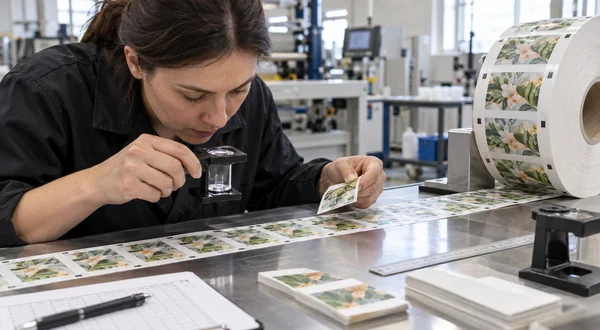
Use one acceptance sample and one production brief for both proposals. Ask what must change when the artwork moves from a single color to two colors, or when the next label uses a different substrate. The useful answer is a list of modules, changeover steps and trial conditions, not a promise that every future label will run on the same setup. This is especially relevant if the proposed machine will serve several customers with different stock.
What to put in the first inquiry
Send a sample roll, material data, artwork with dimensions, print repeat, intended color sequence, ink information, any existing marks, target finished roll and destination country. Add a simple drawing of the proposed line if a printer or finisher already exists. A short note about what you have not decided yet is useful: the equipment team can then identify the questions for the trial instead of building a quotation around a guess.
Use the screen printing machine RFQ checklist for a fuller brief, or send the job to Winshol.
Questions buyers often ask
1. Is a 350 mm web machine suitable for every 350 mm roll?
No conclusion follows from that dimension alone. The image area, edge position, liner, guiding requirements and roll handling still need to be checked against the proposed configuration.
2. Does a two-color machine always produce twice as many labels?
No. Station count describes the process steps available in the line. Output depends on repeat, material, curing, changeovers and acceptance criteria. Ask for a job-based estimate.
3. When should I consider a wider machine?
Review a wider configuration when the production web or image does not fit the quoted limits, or when the proposed layout needs more working width. Do not increase width solely on the model number; compare the actual material and print drawing.
4. Is maximum web width the same as maximum print width?
No. Web width describes the material path; print area limits the image a screen station can produce. Check both dimensions against the artwork, including bleed and registration features, before choosing a model.
5. Do I need a separate curing stage for each screen color?
That depends on the ink sequence and the proposed line. Send the artwork and ink information so the supplier can show where each layer is printed and cured. The quotation should name the drying units included between stations.
6. What if the label roll already carries printed graphics?
Supply a production roll or representative sample with its existing image and marks. State which new screen layer must align to which feature, and give the allowed offset. The trial should also check whether the earlier print and material tolerate the proposed cure.
7. How can I ask for a useful output estimate?
Give the repeat length, web material, number of colors, ink, curing route and finished-roll requirements. Ask for an estimate for that complete job, including the inspection and changeover assumptions. A catalogue speed alone cannot tell you how many accepted labels will leave the line.
Equipment figures above follow the linked Winshol product pages and the supplied 2026 equipment catalogue. Confirm final machine scope, utilities and sample acceptance conditions in the project quotation.
